Enhanced Filtering in Quantrix: Leveraging the ALL Dropdown and Improved UI
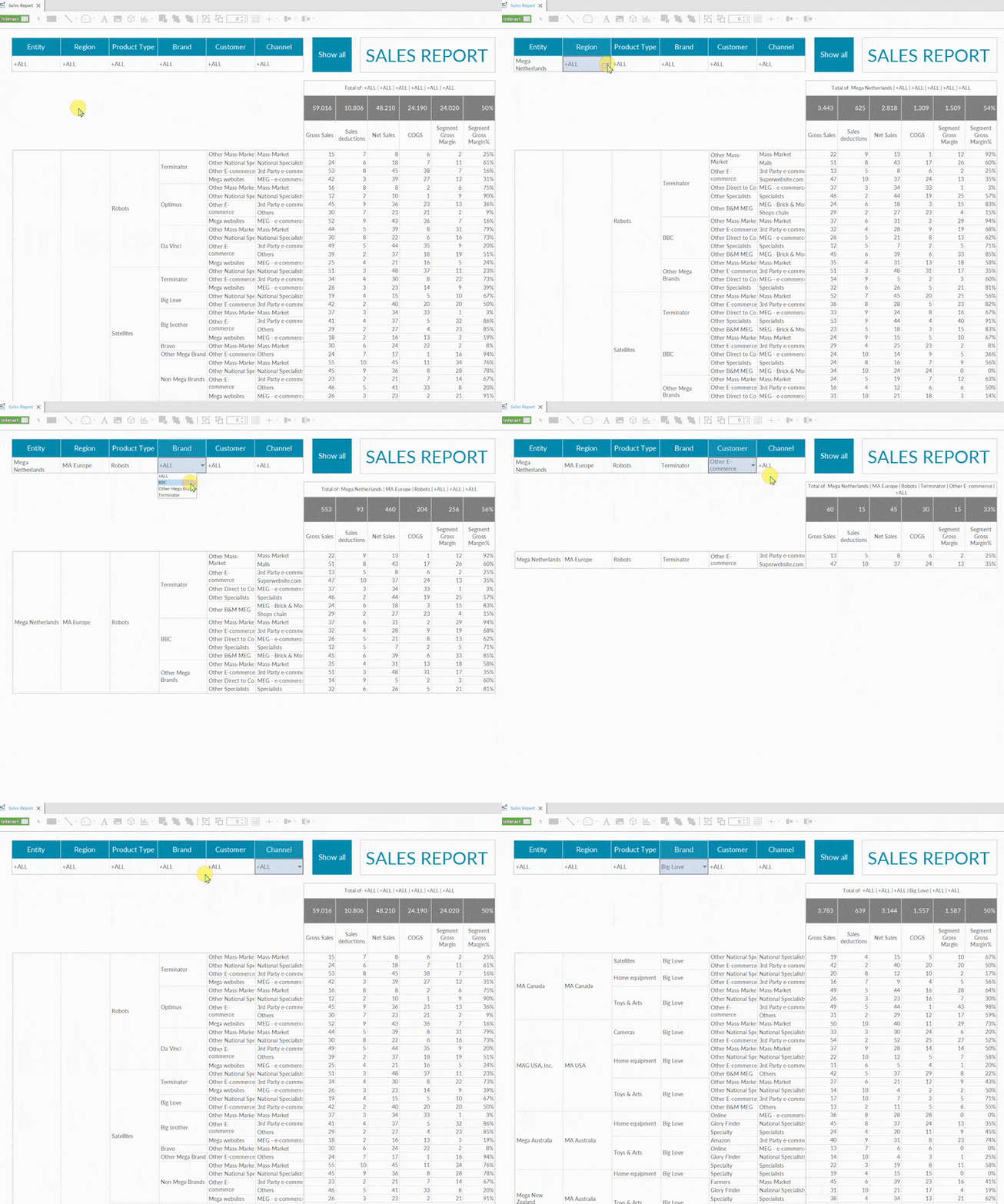
To enhance the filtering process and provide an option to show all items, user can consider adding an “ALL” item to the dropdown list (this can be done via concatlist() or the generate items feature). When a user selects “ALL,” the entire table will be displayed. This approach may be more intuitive for users, as they will not need to clear the dropdown selection to view the full table.
Additionally, if a user have multiple filters, combining them with a “Show All” button can further improve usability by resetting all filters at once. A user can also dynamically aggregate data based on the selected items in the dropdown menu.